Using the Glossary in Tidal Accelerator
The Glossary in Tidal Accelerator provides a searchable reference for all field descriptions used across the platform. It makes it easy to understand the purpose of any field without leaving the application.
Accessing the Glossary
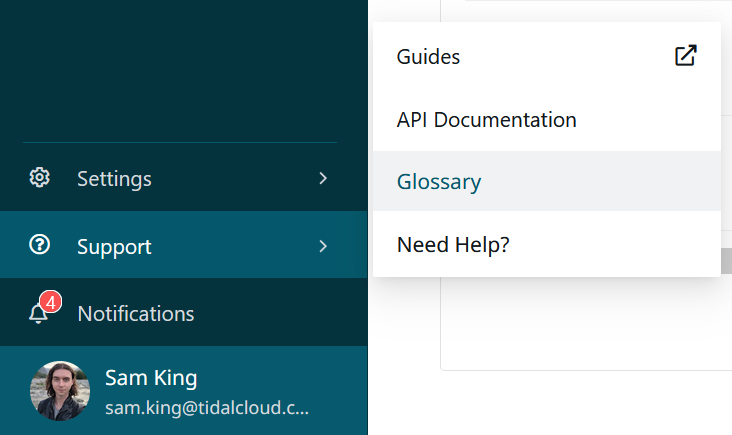
To open the Glossary, navigate to the Support menu in the left-hand navigation and select Glossary.
Using the Glossary
The Glossary displays a list of all fields along with their descriptions and the record type they belong to. Use the search bar at the top to quickly find a specific field by name.
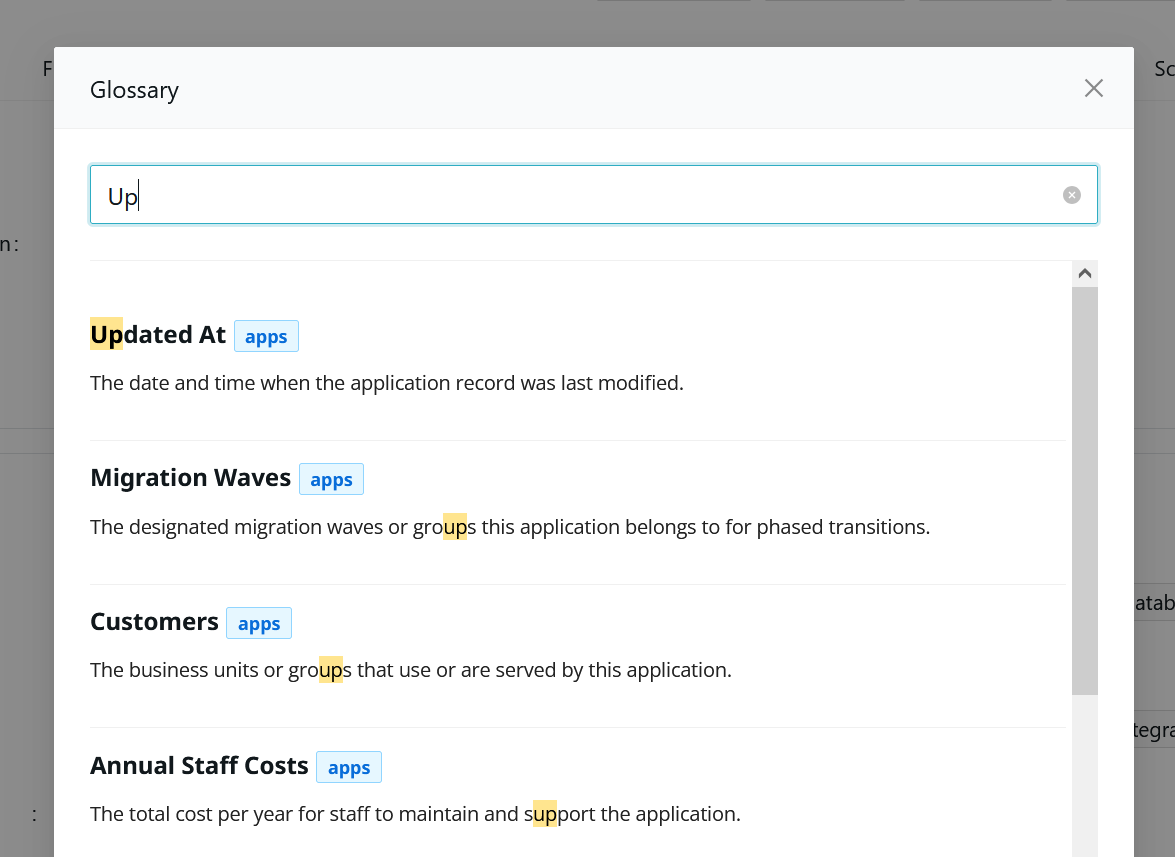
Each entry shows the field name, its associated record type, and the description that explains what data the field captures.
Custom Fields in the Glossary
The Glossary is dynamic. When you create custom fields, they automatically appear in the Glossary along with the description you provide. This ensures that your team always has a single, up-to-date reference for every field in your environment.