Summarize your Applications
Tidal Accelerator can automatically summarize your applications for you, making it easier for you to tell at a glance what an application is and why it matters. For any given application, Accelerator can generate a written description of the app, as well as a set of key insights presented as concise bullet points.
Both of these are generated from the information Accelerator already knows about the application, including any documents you have uploaded to it.
How does it work?
When you ask Accelerator to summarize an application, it draws on two sources of information:
- The data saved to the application record itself
- The documents you have uploaded to the application
Accelerator combines these sources to produce a summary that reflects everything it knows about the app. The more complete and accurate your application data is, the more useful the generated summary will be.
These summarizations are powered by an LLM, which can make mistakes, so the result must be checked carefully before being saved to the application record.
Generating a description
The description is a written summary of the application. It gives you a readable overview of what the application is and what it does, based on the data on the application record and any documents uploaded to it.
You can generate a description directly from the application. Accelerator will analyze the available information and produce the description for you.
-
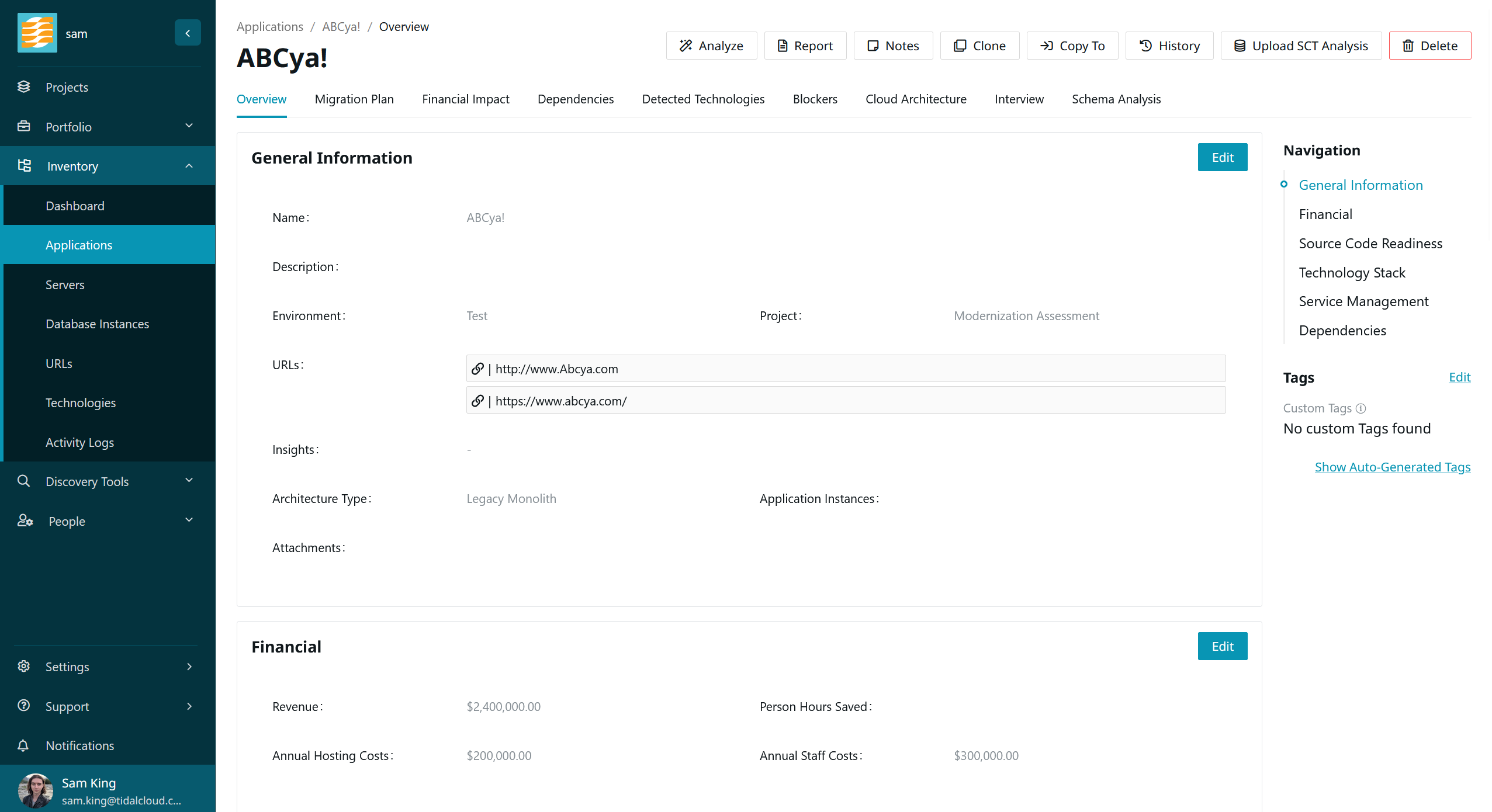
Navigate to the overview page of the application you wish to summarize
-
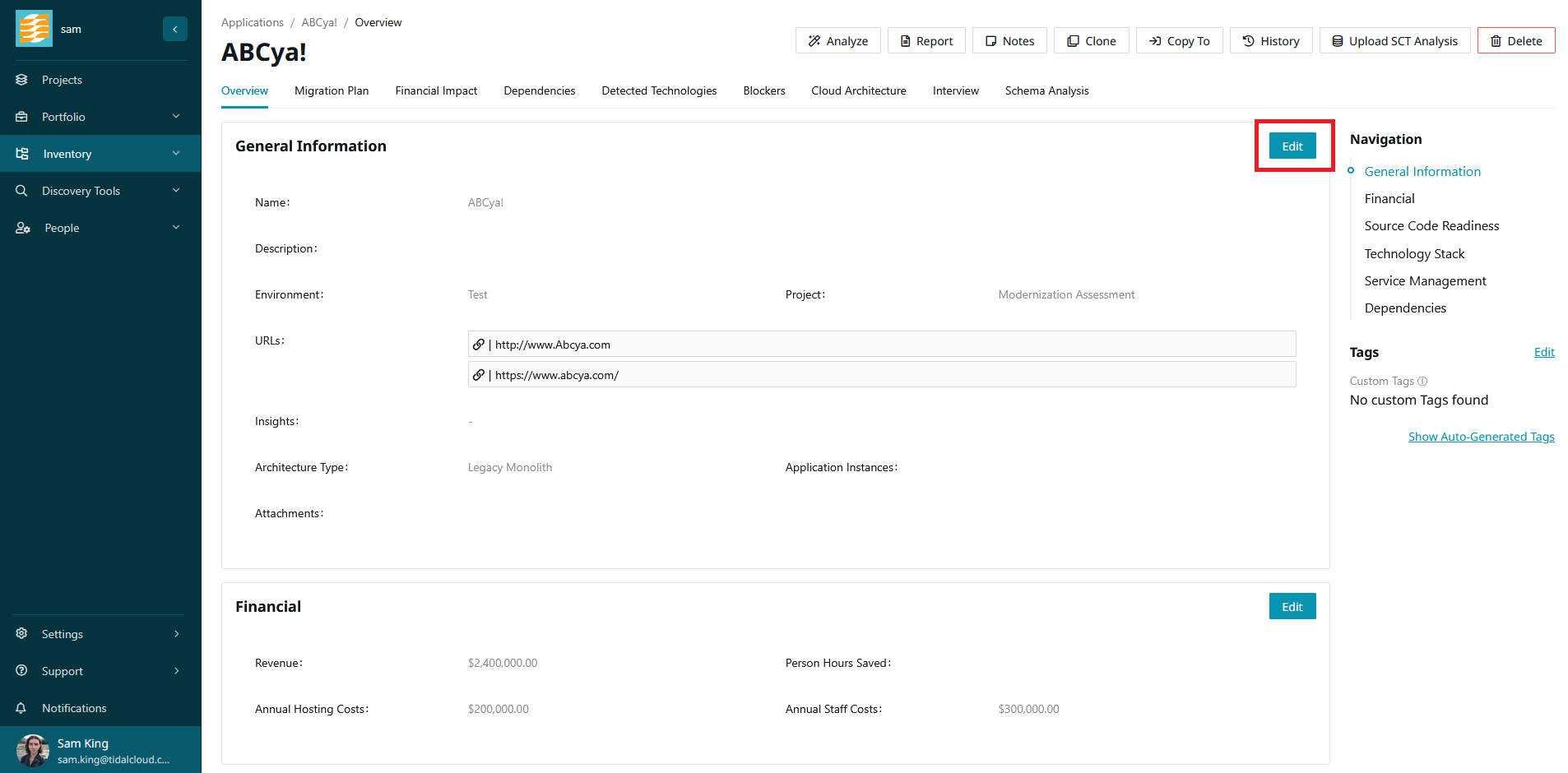
In the General Information card, click ‘Edit’.
-
Under the description field, click ‘Generate Description’.
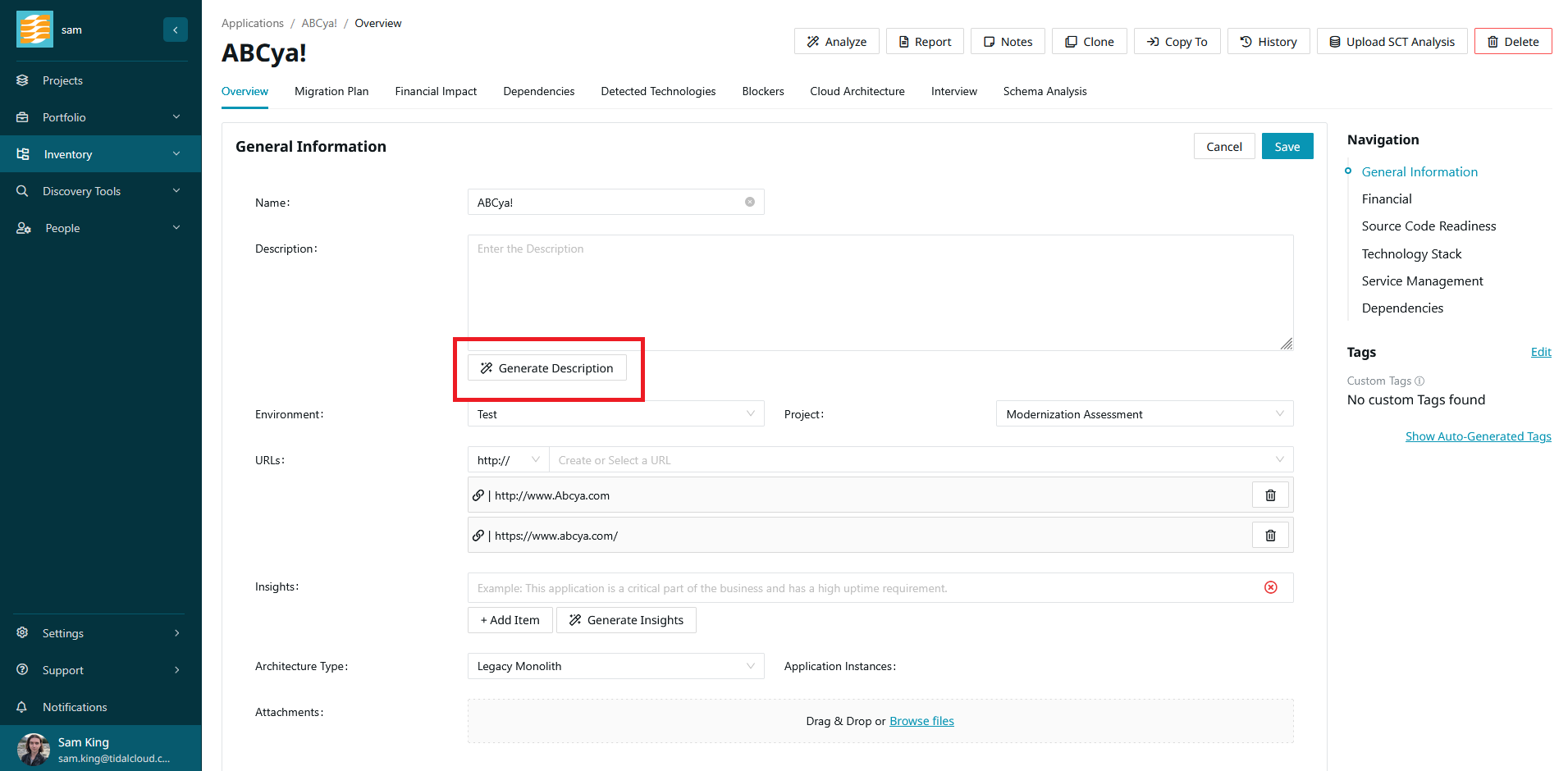
The description will be generated for you to review and edit. When you are satisfied, click ‘Save’ to save the new description to the application.
Generating insights
Application insights are key, bullet-point takeaways about the application.
When generating these insights, Accelerator takes into account both the data on the application record and any documents uploaded to the app.
-
Navigate to the overview page of the application you wish to summarize
-
In the General Information card, click ‘Edit’.
-
Under the Insights field, click ‘Generate Insights’.
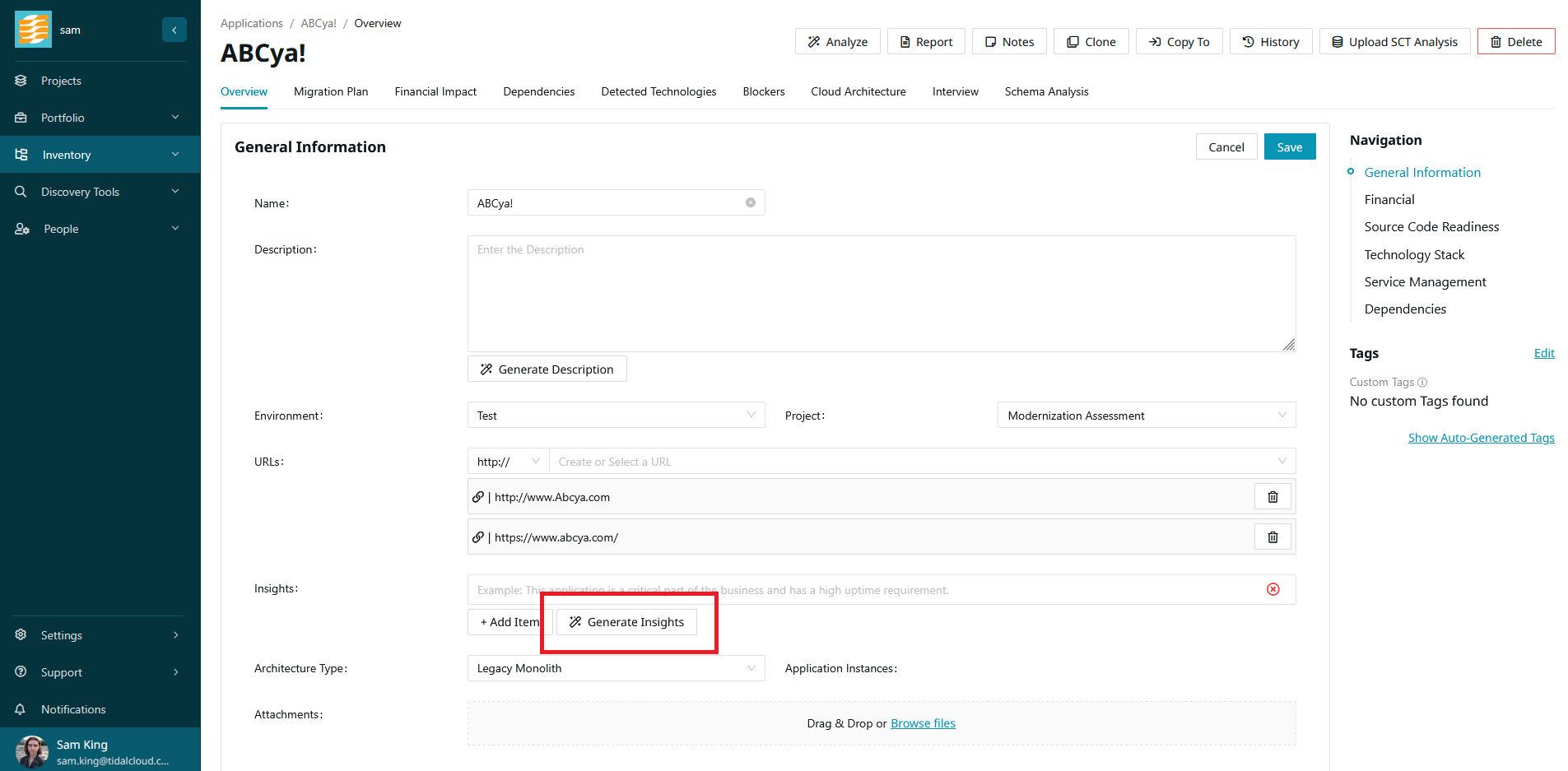
The insights will be generated for you to review and edit. When you are satisfied, click ‘Save’ to save the new insights to the application.
Using documents in your summaries
When you upload documents to an application, those documents are used in both the generated description and the application insights. This makes uploading relevant documentation a quick way to enrich both summaries at once, without having to manually re-enter that information onto the application record.
The following document types are supported for summarization:
.docx .doc .pptx .ppt .odt .pdf .jpg .jpeg .png .txt .rtf .csv .tsv .xls .xlsx
If information in a document contradicts information from the application record itself, the information on the application record takes precedence.
This means the details you have captured directly on the application are treated as the source of truth. If a document is out of date or disagrees with the application record, update the application record to make sure your summaries reflect the correct information.